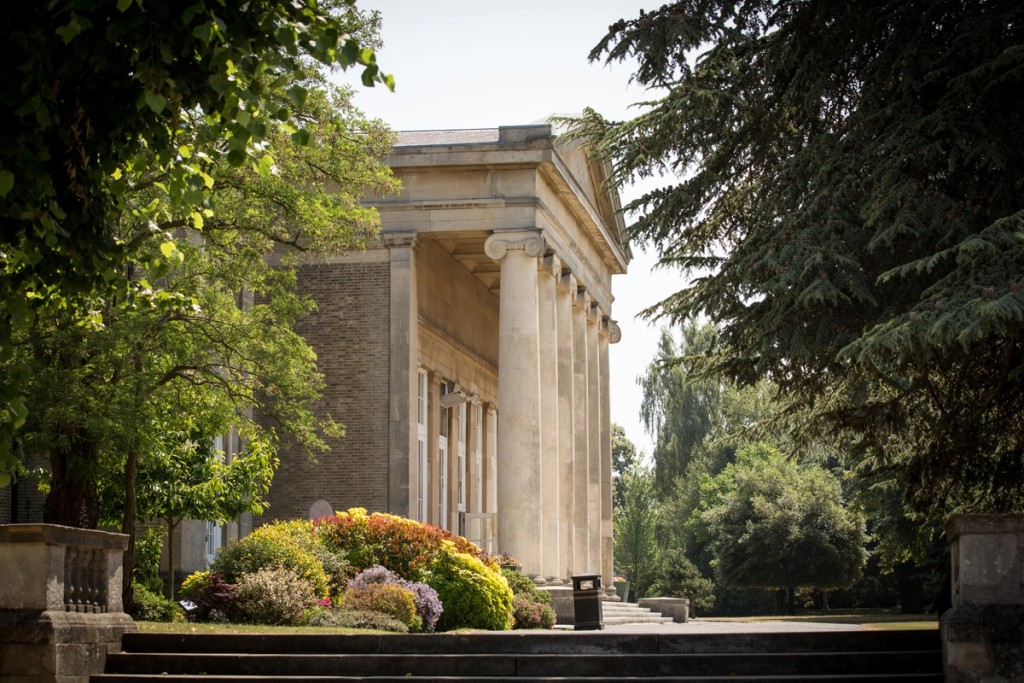
Panoramas
Look around the School via our interactive panoramas – open them to full screen, then click and drag with your mouse to explore. Click on the red hotspots in the photos to explore further. The panoramas need version 9 (or later) of the Flash player. The downloads are between 1.5 and 3MB each and are optimised for full screen viewing. Select panoramas from thumbnails below.
6th Form Common Room
The Chapel
Favell Building
The Library
The Octagon
The Quad
The Stoa
Swimming Pool and Fives Courts
Top Terrace
The panoramas can be viewed in Full Screen Mode by clicking the
button on the toolbar. Click the button again or press Esc to quit. The full set of toolbar controls are:

You can also click and drag inside the panorama – and some mouse wheels will allow you to zoom in and out.


School Plan
Panoramas
Slideshow: Around Mill Hill